
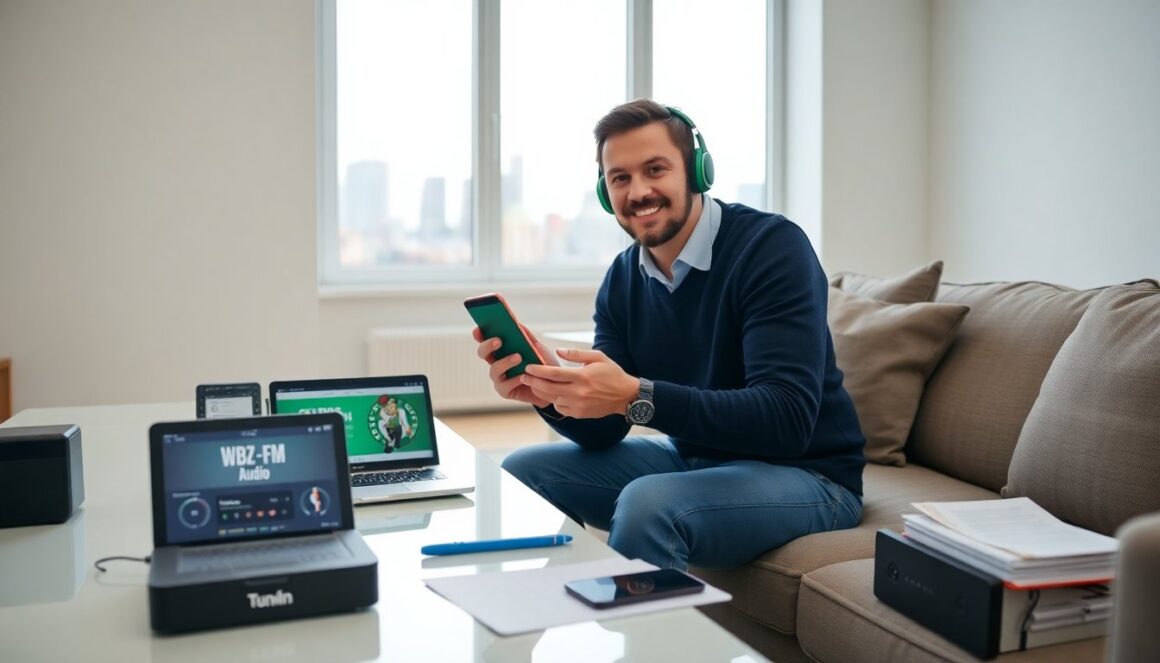
listen to celtics game on any device with clear steps and options. The guide lists radio, national broadcasts, and official NBA audio. It shows the simplest apps and easy workarounds. The reader gets practical steps they can follow now.
Key Takeaways
- You can listen to Celtics game live via local radio like WBZ-FM, national broadcasts, or NBA Audio streams for comprehensive coverage.
- Top apps such as TuneIn, iHeartRadio, the official Celtics app, and SiriusXM offer easy streaming and should be tested before game time for a smooth experience.
- Local AM/FM radio is a reliable free option during blackouts, while paid VPNs can bypass geo-restrictions for out-of-market listeners but avoid free VPNs due to poor quality.
- For optimal listening, use a stable Wi-Fi or mobile connection, manage app settings for balanced audio quality, enable background playback, and update apps regularly.
- Testing your stream 10–15 minutes before tipoff and pairing Bluetooth devices in advance helps ensure uninterrupted listening to the Celtics game.
Primary Live Options: Local Radio, National Broadcasts, And NBA Audio Streams
Local radio remains a reliable way to listen to celtics game live. WBZ-FM and other Boston stations carry most Celtics play-by-play within the team market. A listener who lives in the market can tune an AM or FM dial and get the local broadcast. National networks carry selected games. ESPN Radio and nationally syndicated feeds will air some matchups. A fan can also use NBA Audio for league-wide coverage. NBA Audio sells single-game and season audio passes. A listener can buy a pass, log in, and stream play-by-play on a phone or computer.
Local radio offers free access to most home and road games for people in the market. National broadcasts offer wider reach for key matchups and postseason games. NBA Audio covers games that lack a national TV slot. They provide an alternate when blackouts block video streams. The listener should check schedules before a game. They should confirm which feed will carry the game. If the listener wants the Celtics radio voice, they should prefer the local station feed. If they want a neutral feed, they should choose the national or NBA Audio option. Each option gives a clear path to listen to celtics game in 2026.
Step‑By‑Step: Using The Top Apps (TuneIn, iHeartRadio, Celtics App, SiriusXM)
TuneIn offers live radio streams for many stations. The user opens the TuneIn app, searches for the Boston station, and taps play. TuneIn requires a connection and sometimes a subscription for certain stations. iHeartRadio works the same way. The user searches for the Celtics radio partner and starts the stream. The Celtics official app provides team audio and alerts. The app offers live audio for some games and access to team programming. The user should sign in with an NBA account for full access.
SiriusXM streams league talk and selected live games. A subscriber can open the SiriusXM app, find the NBA channel, and listen. SiriusXM also offers on-demand shows that preview and recap games. A listener who wants to listen to celtics game should install two or three apps. They should test them before game time. The user should enable push notifications and give the app permission to run in the background. They should also update the app to the latest version to reduce playback issues.
For phone use, the user should use Wi‑Fi or a solid mobile connection. The user should close other apps that consume bandwidth. The user should plug in power for long listening. These steps help avoid dropouts while they listen to celtics game.
Dealing With Blackouts, Georestrictions, And Cheap Workarounds (VPNs, Local AM/FM)
Blackouts can prevent fans from streaming live audio or video in certain regions. A fan who faces a blackout can still listen to celtics game on local radio. AM and FM broadcasts normally bypass league digital blackouts inside the market. A user outside the market can use a paid VPN to change their apparent location. A VPN masks location and may allow access to geo‑restricted streams. The user should pick a reputable VPN with low latency and servers near the U.S. east coast for the best audio quality.
Some free VPNs limit speed and cause dropouts. The user should avoid free VPNs for live game audio. A simpler workaround is to find a local Boston radio stream on TuneIn or iHeartRadio that carries the game. Many local stations stream online and accept listeners nationwide. A fan can also call a radio affiliate to ask about AM/FM coverage or use a portable radio. These low‑cost options let the fan reliably listen to celtics game without complex setups.
Troubleshooting, Best Settings, And Tips For A Smooth Listening Experience
If audio stutters, the listener should check the network first. They should switch from mobile data to Wi‑Fi or vice versa to test which link is stronger. They should close background apps that use bandwidth. The user should also update their app and device software. Old app versions can cause incompatibility and playback errors.
For app settings, the listener should set audio quality to a balanced level if the app offers low, medium, and high. High quality uses more data and may buffer on slow connections. Medium quality often gives stable sound with less data use. The listener should enable background playback so the audio continues if they switch apps. They should also allow notifications for schedule changes and feed alerts.
For Bluetooth devices, the user should pair before game time. They should keep the speaker or headphones within range. If the audio lags from a video source, the user should choose audio‑only mode in the app. Many apps provide an audio‑only toggle to reduce latency. Finally, the listener should test the stream 10–15 minutes before tipoff. A brief test reveals any setup issues and ensures they can listen to celtics game without stress.